
Mining
PEPEPOW Mining
Start mining PEPEW with current HooHash V110 software, pool references, setup steps, and safety checks.
Current page · reviewed 2026-09-20

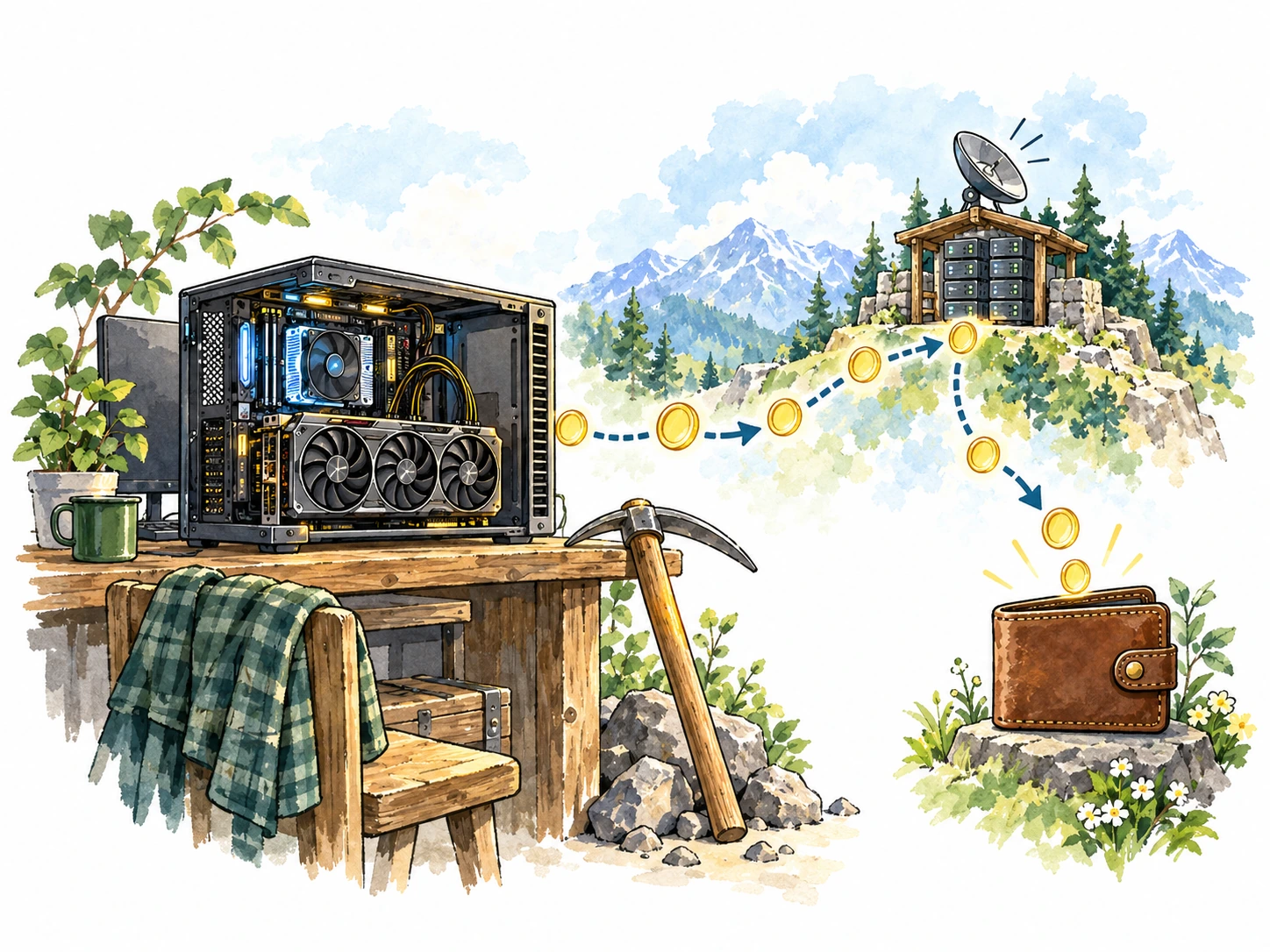
Mine PEPEW and help secure the network
Mining is how PEPEPOW turns computational work into new blocks and network security. Miners compete to find valid blocks, help confirm transactions, and receive the applicable PEPEW block reward when they succeed.
You can participate with supported CPU or GPU hardware, either through a pool or other current mining infrastructure. The sections below focus on today’s HooHash V110 setup rather than older Memehash or XelisV2 instructions.
How mining works
How Mining Works
PEPEPOW miners perform HooHash V110 Proof-of-Work computations and submit valid work to the network or a mining pool. A valid block extends the chain and earns the applicable block reward.

Mining Pools
Mining pools combine work from many miners so rewards can be distributed more regularly than solo mining typically allows. Each pool sets its own fees, payout policy, and connection details, so verify those terms before connecting.
Mining Equipment
HTN Miner provides builds for several CPU and GPU environments. Choose the build that matches your hardware and operating system rather than reusing an older PEPEPOW miner package.
Rewards
Successful blocks pay the applicable PEPEW block reward and transaction fees according to current network rules. Pool miners receive their share according to the pool’s payout method.
PEPEPOW mining quick start
The operational details below were reviewed against the HooHash/HTN miner documentation on 19 Sep 2026.
- Algorithm: HooHash V110 (PEPEPOW variant)
- Recommended miner source: HTN Miner downloads
- Current HTN release shown by the download site: v1.4.22
- Current PEPEPOW detection: HTN Miner v1.4.19 and later can automatically detect PEPEPOW from a valid PEPEPOW wallet address. The older
--pepepowflag is no longer required for current releases.
Miner Options
HTN currently provides several builds:
hoo_cpu— x86_64 CPU miner; AVX2 is requiredhoo_gpu— NVIDIA CUDA GPU minerhoo_gpu_amd— AMD GPU minerhoo_cpu_arm— ARM64 CPU miner, including supported Linux/Termux environments
Use the current download page instead of copying a versioned binary or command from an older announcement.
Download Mining Software
HTN CPU Miner
wget -c https://htn.foztor.net/hoo_cpu.tar.gz -O - | tar -xz
cd hoo_cpu
HTN NVIDIA GPU Miner
wget -c https://htn.foztor.net/hoo_gpu.tar.gz -O - | tar -xz
cd hoo_gpu
For AMD or ARM64, use the matching current package from the HTN Miner download page.
Basic mining flow
- Create or choose a PEPEPOW wallet.
- Copy your own PEPEW receiving address.
- Choose a currently operating PEPEPOW pool and confirm its current Stratum endpoint.
- Download the current HTN Miner build for your hardware.
- Start the miner with your pool URL and wallet address.
- Confirm accepted shares on the pool dashboard before leaving the miner unattended.
Example CPU command:
./hoo_cpu -o stratum+tcp://YOUR_POOL_HOST:PORT \
  -u YOUR_WALLET_ADDRESS -p x
Example NVIDIA GPU command:
./hoo_gpu -o stratum+tcp://YOUR_POOL_HOST:PORT \
  -u YOUR_WALLET_ADDRESS -p x --gpu-id 0
List available NVIDIA GPUs:
./hoo_gpu --list-gpuPool Status
Foztor Community Pool
The community pool currently exposes a HooHash V110 PEPEW pool and active miner statistics. Use its Connect page for the current Stratum configuration instead of relying on an old copied port.
PEPEPOW Lab Pool
The Lab Pool is a community development/testing pool. Confirm its current status and connection instructions on the pool itself before mining.
Mining4People
Mining4People — PEPEW / HooHash pool
A current PEPEW HooHash pool page is available. Its displayed command examples may lag behind the latest HTN Miner behavior, so use the pool’s current Stratum endpoint while following the current HTN release documentation for miner flags.
Other Pools
Third-party pools can change or disappear. Do not assume a pool is current because it appears in an older PEPEPOW guide; verify the algorithm, wallet format, fee, payout policy, and Stratum endpoint before connecting.
HiveOS
Use Custom Miner with the current HTN Miner package rather than an old Xelis/SRBMiner preset.
Suggested baseline:
| Setting | Value |
|---|---|
| Miner package | current hoo_cpu, hoo_gpu, or other matching HTN build |
| Installation source | https://htn.foztor.net/ |
| Pool URL | current PEPEPOW Stratum URL from the selected pool |
| Wallet | your PEPEW receiving address |
| Password | pool-specific; often x |
--pepepow |
not required on current HTN releases with address auto-detection |
If HiveOS shows an old Xelis algorithm, unsupported-algorithm message, or rewrites the connection to a legacy WebSocket/Xelis preset, the worker is using the wrong miner configuration.
Before you start
- Use your own wallet address.
- Verify accepted shares on the pool dashboard.
- Download miner software only from the current source referenced by this guide.
- Re-check pool status before reusing an old flight sheet or command.
- Historical PEPEPOW mining posts may describe Memehash or XelisV2 and must not be used as current HooHash setup instructions.